
Print and cut machines: one-pass label production
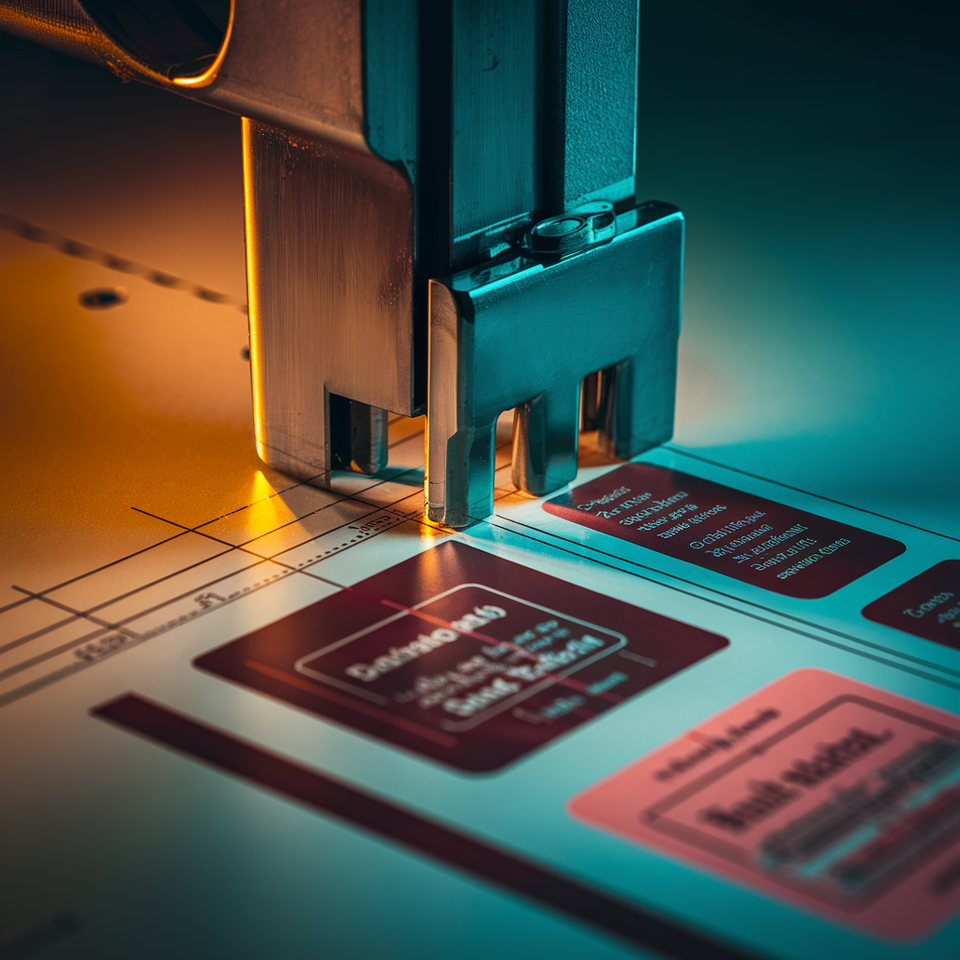
A print and cut machine is a single device that prints your label artwork and then cuts it to shape in the same pass, using registration marks and optical sensing so the blade or laser lands precisely on the printed image. That one-pass workflow removes the handling step between printer and finisher — and that removed step is where most of the practical value lives.
Understanding why that matters, and where it stops mattering, is the whole decision.
 Gulmen Digital
How print and cut works
The workflow has four stages, and they run in sequence on the same transport.
First, your artwork — including a defined cut path and printed registration marks — goes to the machine as a single job. The printer lays down ink on the label stock, sheet or roll, alongside those marks. Registration marks are small, high-contrast shapes printed at known positions around the design. They are not decorative. They are the shared reference that lets the cutter locate the image on the physical material rather than relying on where the file assumed the image would be.
Second, as the printed material moves toward the cutting stage, an optical sensor or camera scans the marks. The controller calculates any offset, rotation, or scale difference between the digital file and the actual print — accounting for how the material moved, stretched, or skewed during printing. Third, the cutting head follows the vector contour from your file, corrected against those marks, so the blade or laser traces the shape where the ink actually landed.
Fourth, finished labels come off the machine ready to use.
That is the complete print-then-cut cycle. The registration mark step is what separates a print and cut machine from a printer that happens to sit next to a cutter. Without it, you are re-aligning manually every job.

Registration accuracy: the whole question
Registration accuracy — how well the cut matches the print — determines whether your labels are saleable or scrap. It is also where integrated print and cut machines vary most significantly from one another.
Registration marks work because the cutter's optical system can detect them reliably and calculate corrections. That system can compensate for small position errors, slight rotation, and even minor scaling differences across the material. What it cannot fully compensate for is material that behaves unpredictably.
Three factors cause drift in practice. Material stretch is the most common: plastic films and thin papers change dimension under heat, UV curing energy, or web tension, and over a long roll that change accumulates. Skew and web wander compound the problem on roll-fed systems, where any deviation in how the material tracks through the transport shifts the printed lane sideways. Print-process variation — inconsistent ink load, slightly uneven drying — can also alter dimensions enough to matter when margins are tight.
How much tolerance your product needs depends on the label design. A simple rectangle with a generous white border around the artwork can absorb modest registration variation without the result looking wrong. A full-bleed label, where colour runs to the edge, or a shape with tight radii and minimal margins, shows misalignment immediately. Industrial and medical labels, where cut position affects barcode readability or regulatory symbols, sit in a different category again — misalignment is not a cosmetic problem, it is a functional one.
Well-designed registration mark placement, a clean optical sensor, and controlled media handling solve most of the common causes. Marks placed at the corners of each job give the system the best geometry to detect rotation and scale simultaneously. Keeping the sensor free of dust and adhesive residue is basic maintenance, but it directly affects whether the system reads marks accurately or fails to find them. Media profiles that control ink load and drying reduce the dimensional changes that registration compensation has to work against in the first place.
Where the productivity gain is real
The gain is in handling, not in raw mechanical speed.
When printing and cutting sit on separate devices, a finished label requires at least two machine cycles — print, then move the material, then cut. That movement is a labour touch, a scheduling dependency, and a potential alignment error. On a print and cut machine, one operator loads material and retrieves finished labels. The job does not wait in a queue between processes.
For short runs and high SKU counts, this compounds quickly. A label producer running twenty different products in quantities of a few hundred each day spends a disproportionate amount of time on setup, transfer, and re-registration if print and finish are separate. Integrated print and cut collapses that overhead. Industry data on inline digital finishing consistently shows productivity gains in the range of 30% compared with offline processes, driven primarily by removing those intermediate handling steps rather than by faster cutting or printing speeds.
On-demand and same-day label work benefit most. When a customer needs a short promotional run today, the ability to print and cut in one pass, on one machine, with one operator, is a genuine competitive advantage. It also reduces work-in-progress inventory — labels are finished when they leave the machine, not sitting as semi-finished stock waiting for a separate finishing run.
Gulmen DigitalWhere it is not
Integrated print and cut locks printing speed and cutting speed together. The job completes at the pace of the slower stage, and you cannot parallelise them.
When cutting intricate shapes — tight radii, fine internal cutouts, complex contours — the cutting head must slow down to maintain edge quality. The print engine sits idle waiting. If printing is the slower stage, the cutter waits. On a dedicated finishing line, the press runs at its own optimum speed while the finisher runs at its own; they are independent processes that can be sized and scheduled separately.
The second structural problem is single-point failure. If the print engine develops a fault, cutting stops. If the cutting module needs a blade change or calibration, the machine is off-line for both functions. A separate printer and finisher can often continue operating with one process while the other is serviced.
For high-volume, long-run label production on standardised shapes, these constraints become significant. A dedicated high-speed rotary die-cutting or finishing line processes more linear metres per hour than any integrated machine and allows the press to print continuously without waiting on a finishing cycle. The integrated approach reaches a throughput ceiling that becomes visible as run lengths and volumes scale up.

Sheet versus roll: the throughput decision
Whether your machine handles sheets or rolls matters more than the cutting method for practical throughput and unattended operation.
Sheet-based print and cut loads individual sheets, cuts them one at a time, and requires an operator to re-load regularly. For short runs, prototyping, and varied artwork, this is fine — changeovers are simple, jobs are easy to verify, and the capital cost is typically lower. But sustained production at volume requires constant operator presence, which caps effective output.
Roll-to-roll print and cut feeds continuous web material, reads registration marks as the web advances, and delivers finished labels on a roll or stripped of matrix, depending on the machine's finishing capabilities. An operator sets up the job, and the machine can run largely unattended until the roll is exhausted. Roll systems suit label producers who supply applicators or co-packers, run repeat jobs at consistent volumes, or need to produce labels overnight without staffing.
The practical throughput difference between sheet and roll often exceeds the difference between blade cutting and laser cutting. If your volume justifies unattended running, the choice of roll-based media handling is more consequential than any other single specification.
Shape and substrate limits
Print and cut machines handle complex shapes well, within defined limits.
Blade-based contour cutting must physically trace the path. Tight radii require the cutting head to decelerate sharply, which reduces throughput on jobs with many small curves. Extremely fine details — thin script text cut as a contour, small internal windows, micro-perforations — challenge knife-based systems because blade offset and physical blade width set a minimum feature size. Some of these jobs are better suited to laser cutting or, once volumes justify it, precision die tooling.
Substrate properties impose separate limits. Thick, rigid stocks require more cutting force and can cause blade deflection that pulls the cut off path. Highly textured surfaces and reflective or dark media can confuse optical sensors — registration mark detection depends on contrast, and a glossy or metallic substrate may reduce that contrast enough to cause detection failures. Stretchy films under high tension can shift between mark detection and cut execution, introducing errors the registration system already compensated for.
When shapes are simple — rectangles, ovals, or standard rounded corners — and volumes are high, a conventional die-cutting or finishing line delivers higher speed and greater consistency than any integrated machine. Print and cut earns its role in the production mix for custom, variable, and short-run work. The highest-volume, standardised labels often graduate to dedicated finishing as soon as volumes justify the tooling investment.
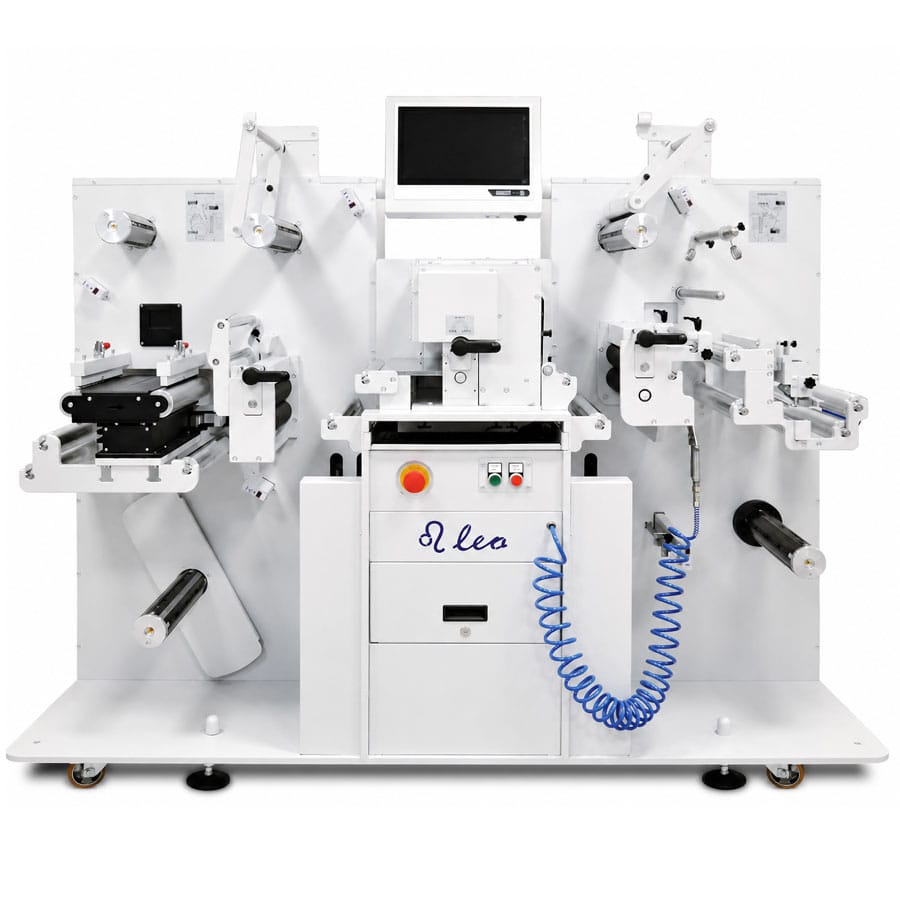
Matching a machine to your production
Run length, SKU count, shape complexity, and turnaround expectations together define what you actually need.
Short, frequent runs with varied artwork favour integrated print and cut. High-volume, long runs of standard shapes favour separate printing and dedicated finishing. Most label operations sit somewhere between those poles — which means the question is not either/or, but which configuration handles the majority of your work efficiently and which jobs are exceptions.

About Gulmen Digital
Gulmen Digital supplies integrated and separate print-cut-finish solutions to label producers across Australia, supporting both single-machine workflows and configurations where printing and finishing are coordinated but independent. The company's approach is to match the equipment to your actual production profile — run lengths, SKU mix, substrate range, and turnaround expectations — rather than recommending one architecture for every job.
With over 20 years in the Australian labels and packaging market, Gulmen Digital has developed the Quantum platform, an Australian-engineered modular system that links digital printing with flexible finishing options, from inline cutting to standalone converting. That modularity means your initial configuration can expand as your volume grows, rather than requiring a full equipment replacement when your production mix changes.
If you are evaluating whether an integrated print and cut machine or a separate printing and finishing line is the right fit, Gulmen Digital works through your label mix with you before recommending any equipment. That process covers substrate types, volume by SKU, shape complexity, and finishing requirements. Contact Gulmen Digital directly to arrange a consultation — the practical next step is a conversation about your specific jobs, not a brochure.
Gulmen Digital — 1/42 Orbis Drive, Ravenhall VIC 3023 · (03) 9318 7177 · sales@gulmen.com.au · gulmendigital.com.au
Gulmen DigitalFAQ
How does a print and cut machine know where to cut? The machine prints registration marks alongside the artwork. An optical sensor or camera reads these marks before cutting, calculates the exact position, rotation, and scale of the print on the material, and adjusts the cut path accordingly. The cutter follows the contour where the ink actually landed, not where the file theoretically placed it.
Is print and cut faster than separate printing and finishing? For short runs and multi-SKU work, yes — removing the handling step between printer and finisher reduces total job time significantly. Industry data shows inline finishing can deliver around 30% productivity improvement over offline processes. For sustained high-volume production on standard shapes, a dedicated finishing line running independently from the press can outpace any integrated machine.
Can print and cut machines handle intricate shapes? Yes, up to the limits of the cutting technology. Blade-based systems slow down on tight radii and fine details to maintain edge quality, which reduces throughput. Extremely fine features may exceed what a drag knife can achieve cleanly. Laser systems extend the range of possible shapes but introduce heat sensitivity and fume management considerations.
What is the difference between sheet and roll print and cut? Sheet systems load individual sheets, cut one at a time, and require regular operator loading — well-suited to short runs and varied jobs. Roll systems feed continuous web material, read registration marks automatically, and can run largely unattended for longer periods. Roll-based production typically delivers higher practical throughput and better integration with label applicators.
Do you still need a separate die cutter? Many operations do. Integrated print and cut handles short runs, custom shapes, and fast-turnaround work effectively. For high-volume, standardised labels where maximum speed and consistent tooling matter, a dedicated die-cutter or finishing line remains faster and more cost-effective per unit. The two approaches complement each other more often than they compete.



Comments ()