
Label Printing for Small Business: What it Is + Best Practices

Ordering labels from a trade printer sounds straightforward until you need to update an allergen statement two weeks before a product launch, you're staring at a minimum order of 5,000 units you don't need, and your supplier's lead time has just blown out to three weeks.
For many Australian small businesses , food producers, cosmetics makers, manufacturers, online retailers ; this is the reality of outsourced label printing. It's workable when demand is stable and designs are fixed. It becomes a liability the moment your business needs to move quickly.
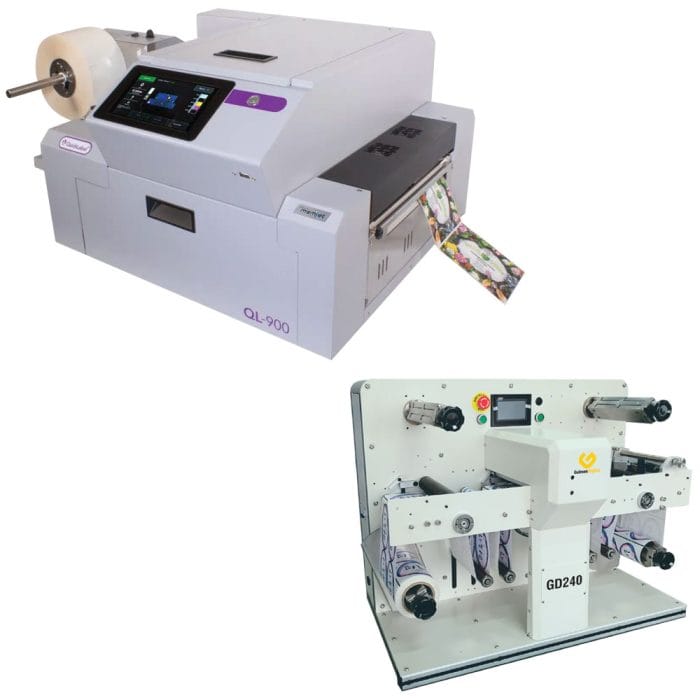
This article explains what label printing for small business involves, which approach suits different stages of growth, how to choose the right equipment, and the practical best practices that separate professional label production from costly trial and error.

Prefer to talk it through? Call (03) 9318 7177. Gulmen Digital's team is in Ravenhall, VIC.
What is label printing for small business?
Label printing for small business covers the design and production of labels used across product packaging, compliance, logistics, and inventory — not just shipping stickers. In commercial practice, this spans:
- Product labels — branding, product names, descriptions, and key selling claims on retail packaging.
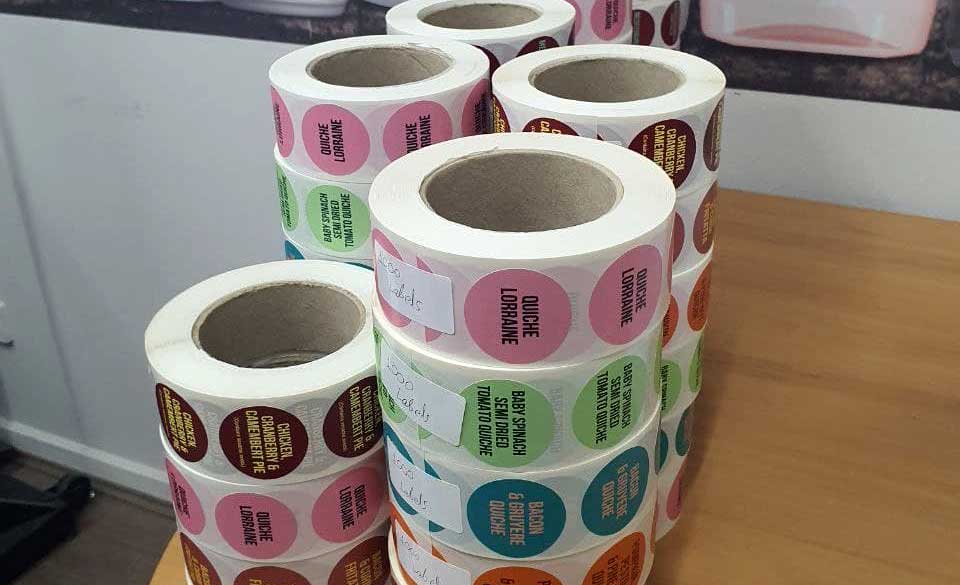
- Compliance labels — ingredients, allergen declarations, nutrition panels, batch codes, country-of-origin statements, and regulatory warnings.
- Operational labels — barcodes, QR codes, inventory tags, shipping labels, carton labels.
- Promotional labels — seasonal editions, limited runs, sale stickers, event-specific packaging.
There are two ways small businesses handle this. Outsourced printing means sending artwork to a trade or online printer and receiving finished labels as rolls or sheets, typically in larger quantities. In-house label printing means operating your own equipment , from a desktop thermal device to a purpose-built digital label press ; and producing labels on demand at your premises.
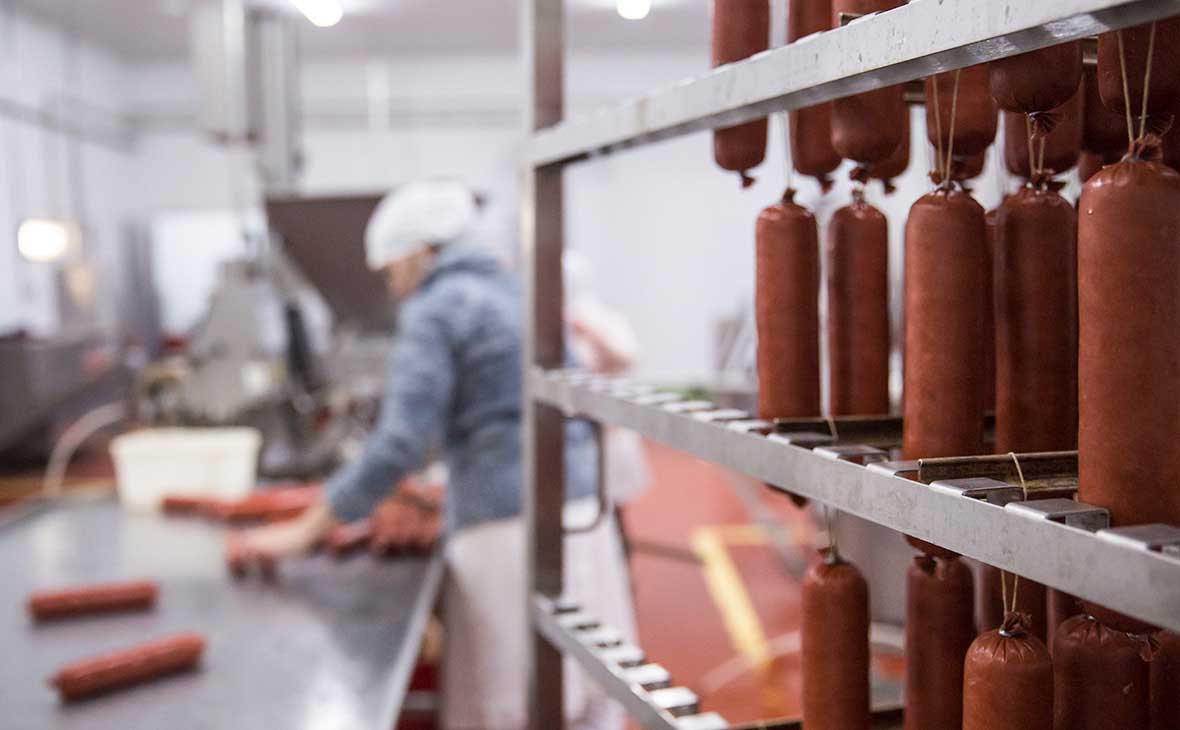
The right approach depends on your volume, how often your designs or data change, and how much production flexibility your business needs. A craft beverage producer launching six seasonal varieties per year has entirely different requirements from an e-commerce brand printing one standard shipping label at scale.
Why label printing matters for small businesses
Labels are the first physical contact with your customer
A well-executed label communicates professionalism before the product is even opened. For small brands competing on shelf or in crowded online marketplaces, label quality directly affects perceived value and purchase intent. Inconsistent printing, smudged text, or labels that peel during transit signal poor quality — regardless of what's inside the packaging.
The global packaging labels market is valued at over USD 48 billion in 2025 and forecast to grow at a 3.6% CAGR through 2030, driven by F&B, health and beauty, and industrial packaging demand. [Freedonia Group / FMI industry data]
Australian businesses are part of this shift toward higher-quality, more personalised label output.
Compliance is not optional
In Australia, labels carry legal obligations that vary by product category:
- FSANZ (Food Standards Australia New Zealand) mandates ingredient lists, allergen declarations, nutrition information panels, best-before or use-by dates, and country-of-origin statements for food products.
- TGA (Therapeutic Goods Administration) requirements apply to therapeutic goods and certain cosmetics, governing ingredient labelling, claims, warnings, and batch identification.
- Safe Work Australia / GHS standards apply to chemicals and hazardous substances, requiring hazard pictograms, signal words, precautionary statements, and supplier information on labels.
Non-compliant labels can trigger recalls, fines, or regulatory action. Getting the mandatory information right — and being able to update it quickly when formulations, regulations, or expiry dates change — is a core operational requirement, not an afterthought.
Flexibility is where outsourcing often fails
When you rely on an external supplier, every label change requires a new order, a new minimum quantity, and a new waiting period. For businesses with multiple SKUs, seasonal variations, or variable data such as batch codes and expiry dates, this creates both cost and operational risk.
In-house label printing removes the dependency. You print what you need, when you need it, with current information — whether that's 50 labels for a test batch or 2,000 for a production run.
Types of labels small businesses need
Understanding your label requirements before investing in equipment or a supplier relationship prevents expensive mistakes.
Product labels are the most visible category. These combine brand identity , logo, colour palette, typography ; with product-specific information and regulatory content. Formats vary by packaging type: wrap-around labels for cylindrical bottles and jars, front-and-back labels for flat containers, top labels for candles and cosmetics tubs.
Compliance and regulatory labels may be integrated into the product label or applied separately. For food producers, this includes nutrition panels, allergen statements, and date markings aligned with FSANZ standards. For chemical manufacturers, GHS-compliant hazard labels are a separate and mandatory category.
Shipping and logistics labels are primarily functional: address details, carrier barcodes, handling instructions. These are high-volume and typically monochrome, making thermal printing the natural fit.
Barcodes, QR codes, and inventory labels support stock control, traceability, and increasingly, customer engagement. Reliable barcode scanning requires adequate label resolution — a point often underestimated when choosing printer specifications.
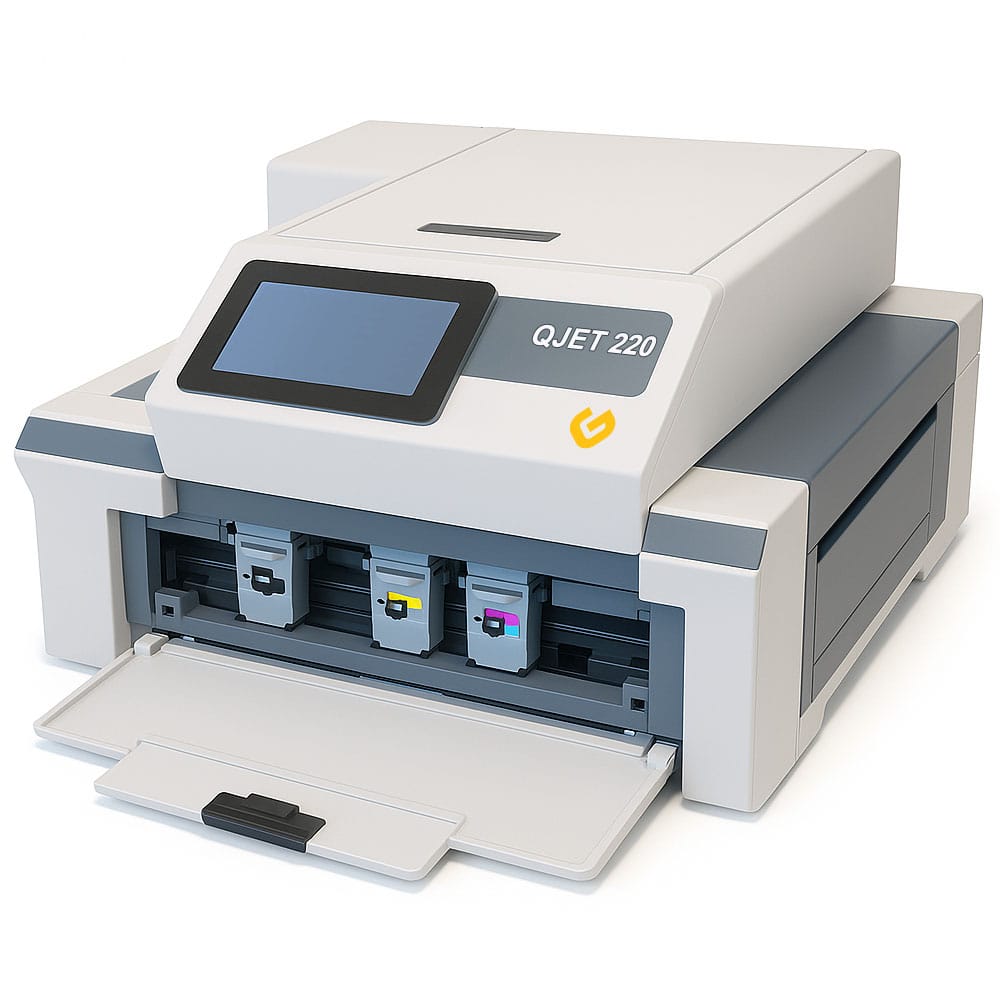
Promotional and seasonal labels are where in-house production delivers the clearest advantage. Short-run, time-limited label variants are rarely economical to outsource; minimum order quantities make them impractical. Digital printing makes them viable.
Label printing methods: which is right for you?
Option 1: Outsourced printing
Trade printers and online label suppliers use flexographic, offset, or digital presses and supply labels in bulk rolls or sheets. This works when you have large, stable, infrequent runs with consistent artwork — say, a single-SKU product at several thousand units per order.
The trade-offs are well-documented: lead times measured in days or weeks, minimum order quantities that don't suit small-run production, and limited flexibility when designs, regulations, or product data change. If you're reprinting frequently or managing many variants, outsourcing costs accumulate quickly and the logistical friction compounds.
Option 2: Desktop and office label printers
Desktop thermal, inkjet, and laser printers handle low-volume, basic labelling well. Thermal printers are a practical choice for shipping and logistics labels — fast, reliable, and low-cost per label for monochrome output. Office inkjet or laser printers with A4 label sheets can produce simple product labels at very low volumes.
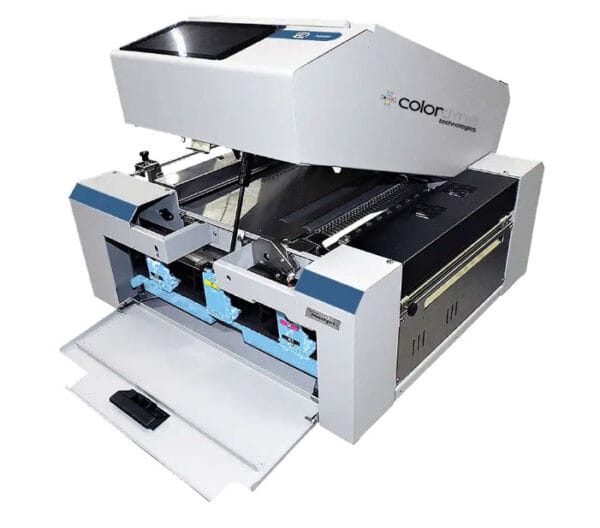
The limitations are real. Media compatibility is narrow. Colour accuracy and resolution rarely meet retail-shelf expectations for branded product labels. Per-label costs at scale exceed what a dedicated system would produce. These devices suit businesses just starting out or those with modest, stable labelling needs — not businesses with growing product ranges or professional packaging requirements.
Option 3: Digital label presses (in-house production)
A digital label press is purpose-built for in-house production of color labels on roll media. This is where small business label printing crosses from basic to professional. These systems produce high-resolution output , typically 1,200 dpi or higher ; suitable for retail-quality product labels, fine text, detailed imagery, and scannable barcodes and QR codes.
They support a wide range of pressure-sensitive label stocks, including synthetic materials suited to chilled, wet, or heavily handled products. They handle variable data natively: batch codes, expiry dates, unique barcodes, and SKU-specific information can be printed across a run without stopping or reprinting. For Australian businesses considering alternatives to outsourcing label printing, a digital label press is the most capable in-house option available.
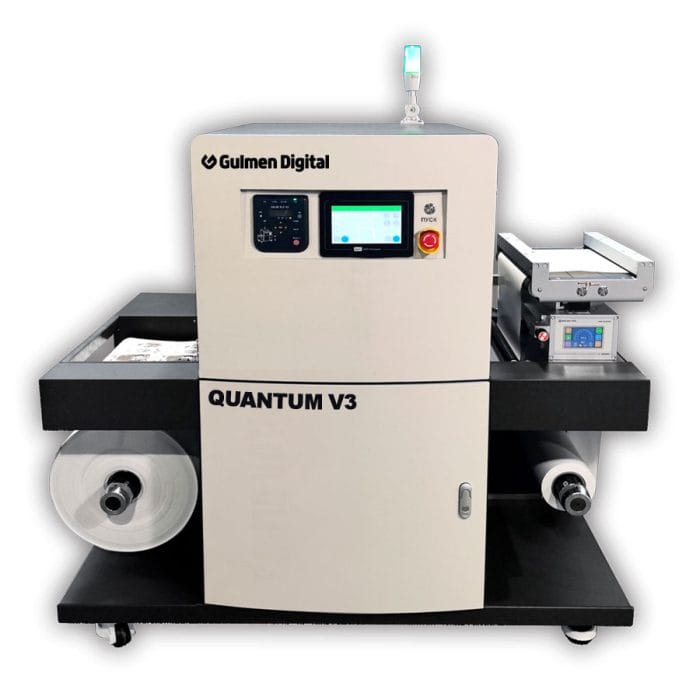
Gulmen Digital's range of digital label printing equipment is built specifically for commercial and industrial users in Australia — not home printing hobbyists or general office environments.
Comparison: three label printing approaches
How to choose the right label printer for your small business
Choosing a label printing machine for small business use involves more than comparing price tags. The right decision starts with your actual production requirements.
- Print volume is the primary filter. Estimate how many labels your business produces per day, week, and month — across all SKUs and label types. A business printing 200 product labels per week has different throughput needs from one printing 2,000. Match the printer's rated output to your realistic volumes with room for growth.
- Label type and quality requirements determine the technology. Colour product labels for retail shelves need a system that handles full-colour output accurately and consistently. Shipping labels need speed and reliability at volume, not colour capability. Many businesses run both requirements in parallel — a thermal printer for logistics, a digital label press for product labels.
- Media compatibility is critical and often overlooked. Check whether the printer supports the substrates your products require: paper for dry ambient goods, synthetic films (polypropylene, polyethylene, vinyl) for chilled, wet, or heavily handled products. Roll format is standard for production environments; sheet labels suit very low-volume manual application. Understanding digital label printing vs traditional methods helps clarify which media formats suit each approach.
- Resolution directly affects label readability and scannability. A minimum of 300 dpi handles most product labels adequately. Barcodes, QR codes, and fine print , common on food and cosmetics labels ; perform more reliably at 600 dpi or higher. Low resolution increases mis-read rates in retail and logistics scanning environments.
- Connectivity and software integration matter more than they used to. Printers that integrate with design software, e-commerce platforms like Shopify, and inventory or ERP systems reduce manual data entry and label errors.
- SMEs now represent over 52% of label printing software users globally, and cloud-based deployment accounts for more than 60% of that segment — reflecting a clear shift toward connected, automated label workflows.
- Local support and warranty is not a minor consideration for equipment your business depends on daily. Buying from an Australian supplier means faster access to technical support, spare parts, and consumables without international shipping delays. Gulmen Digital supplies label printers for Australian manufacturers with local support built into the offering.
Best practices for small business label printing
1. Design for compliance first
Start every label project with the mandatory information, then build the visual design around it. For food products, that means ingredients, allergens, nutrition panels, date markings, and country of origin — all positioned and sized to meet FSANZ requirements. For therapeutic goods or cosmetics, TGA requirements govern specific language, warnings, and identification details.
Errors in compliance content are expensive to correct after a print run. Getting the regulatory content right at the artwork stage is far cheaper than reprinting, recalling, or relabelling finished stock.
2. Use templates and a master artwork file
Maintain a master artwork file for each product or SKU, with locked layout elements: margins, safe areas, font specifications, regulatory text blocks, logo sizing, and barcode placement. Version control is not optional — without it, design drift across updates creates inconsistency and compliance risk.
This discipline pays off most when managing multiple SKUs or frequent design updates. A consistent template structure also speeds up reprints significantly.
3. Test before full production runs
Before committing to a full label run, test on the actual packaging surface the label will be applied to. Adhesion behaviour varies significantly between glass, plastic, cardboard, and metal. Apply test labels to real containers and check performance under relevant conditions: refrigeration, moisture, handling, and transit.
Check for smudge resistance, edge lifting, colour accuracy, and barcode scan reliability. A failed label on the shelf or in the warehouse costs more than a test print.
4. Choose the right media for the application
Paper labels work for dry, ambient products with shelf lives that don't involve significant moisture or handling. Synthetic labels , polypropylene and vinyl in particular ; are the right choice for refrigerated or frozen goods, bathroom or kitchen products, beverages in ice buckets, and any product where the label surface faces moisture, oil, or abrasion.
Finish choice affects both appearance and durability. Gloss finishes produce vivid colour and strong shelf presence. Matte finishes give a more premium, natural look and handle fingerprints better. Clear labels work well on transparent packaging where a "no-label" aesthetic is part of the brand.
5. Plan for variable data
Variable data printing — batch codes, expiry dates, serial numbers, SKU-specific barcodes, unique QR codes — is one of the strongest operational arguments for in-house label printing. Digital label presses handle variable data natively, pulling information from connected systems and printing it directly into the label artwork without stopping the run.
The variable data printing label market is growing at a 13.6% CAGR through 2030, driven by traceability requirements, personalisation, and batch coding across food, health, and industrial sectors.
Businesses that manage this capability in-house gain a meaningful production advantage over those relying on pre-printed stock with manual date coding.
6. Invest in finishing
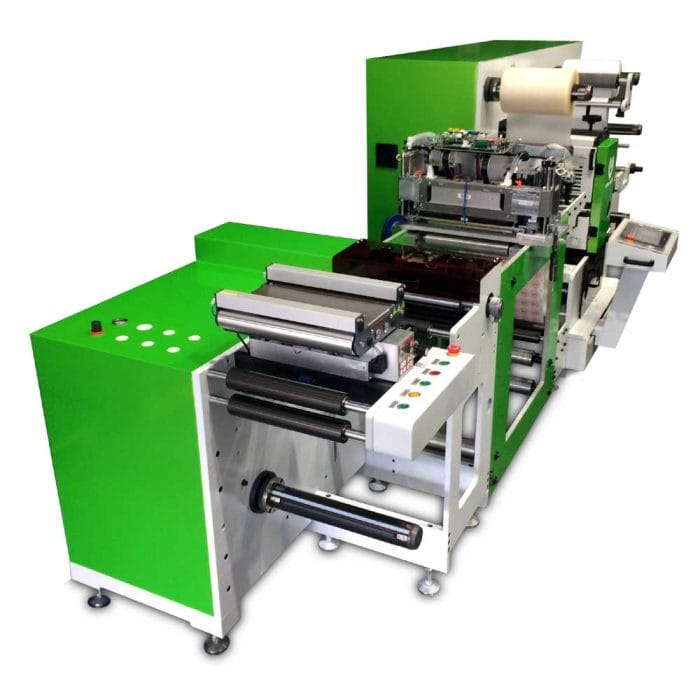
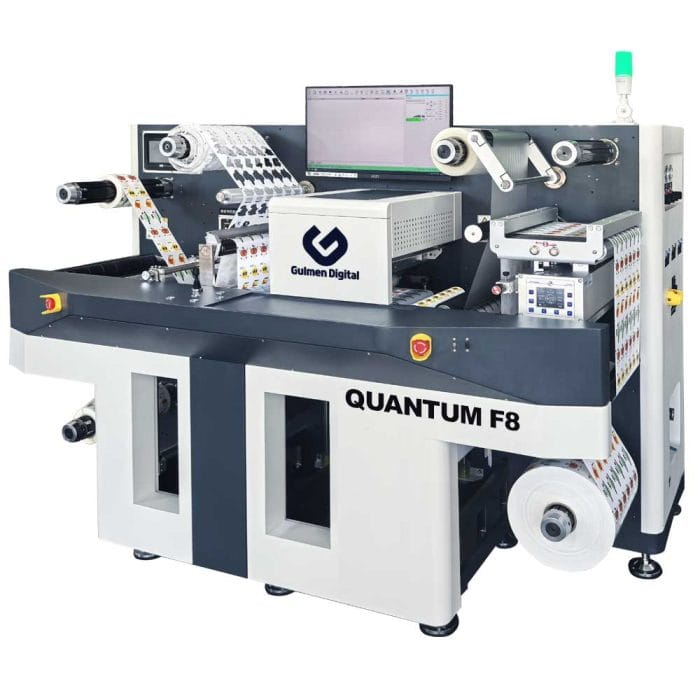
Finishing equipment , laminators, die-cutters, slitters, rewinders ; is the step that separates functional labels from professional ones. Lamination adds durability and surface protection. Die-cutting produces custom label shapes that match packaging design precisely. Slitting and rewinding convert printed rolls into formats compatible with automated label applicators.
For businesses building an in-house label production capability, finishing is not an optional extra. It's where perceived quality is established, and where the gap between DIY and professional output closes.
7. Scale your setup as you grow
The most practical approach for most small businesses is to start with a capable digital label printer matched to current volume, then expand into finishing equipment and higher-throughput systems as production demands increase. This spreads capital investment over time and aligns equipment spend with demonstrated revenue.
Gulmen Digital's guidance on how to start a label printing business follows the same logic: establish the core printing capability first, validate it against your workflow, then reinvest in finishing and automation. Choosing inkjet vs toner label printers is one of the practical decisions that comes next as volume and quality requirements become clearer.
Conclusion
Label printing for small business is a production decision as much as a design one. The businesses that get it right , consistent quality, compliant content, fast turnaround, cost-effective runs ; are typically those that have moved beyond reactive outsourcing and built some level of in-house capability matched to their actual production requirements.
Whether you're a food producer managing multiple SKUs, a cosmetics brand running seasonal editions, or a manufacturer printing batch and compliance labels daily, the case for digital label printing in Australia is straightforward: more control, more flexibility, and lower per-label cost at volume.
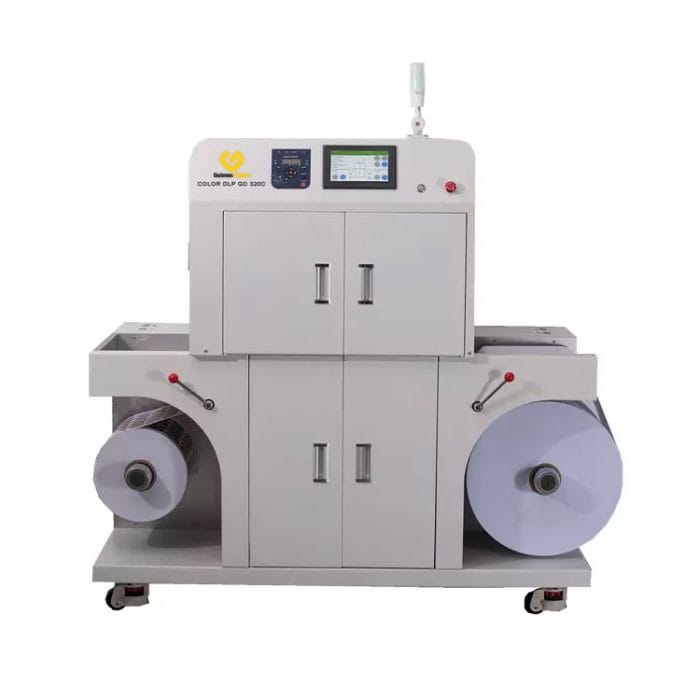
Gulmen Digital supplies a range of digital label printers, MemJet label printing systems, and finishing equipment designed specifically for Australian commercial and industrial users. If you're ready to bring label production in-house or upgrade your current capability, explore the Gulmen Digital range to find the right system for your production requirements.

Prefer to talk it through? Call (03) 9318 7177. Gulmen Digital's team is in Ravenhall, VIC.
FAQ: Label printing for small business in Australia
What is the cheapest way to print labels for a small business?
For very low volumes , a few hundred labels per month ; outsourcing to an online printer or using a basic desktop thermal printer is typically cheapest upfront. For businesses producing labels regularly across multiple SKUs, an in-house digital label printer reduces per-label cost over time by eliminating MOQs, reprinting waste, and supplier lead-time costs.
The break-even point depends on your monthly volume and how frequently your labels change.
Is it worth buying a label printer for a small business?
Yes, if your business produces labels regularly, manages multiple SKUs, or needs to update label content frequently. The investment case strengthens with volume — a business printing 1,000+ labels per week, or one that changes labels frequently for compliance or seasonal reasons, will recover the equipment cost relatively quickly through reduced outsourcing spend and eliminated waste.
What type of printer is best for product labels?
For retail-quality product label printing, a dedicated digital colour label printer is the right tool. These systems produce high-resolution output on roll media, support synthetic substrates, and handle variable data — all requirements that desktop inkjet or laser printers typically cannot meet at production quality.
Desktop thermal printers suit shipping and logistics labels but are not appropriate for colour product labels.
Can I print waterproof labels for my products?
Yes. Waterproof or water-resistant labels require synthetic label stocks , polypropylene, polyethylene, or vinyl ; combined with appropriate inks or toner formulations and, ideally, a protective laminate.
Digital label presses designed for commercial use support these materials as standard. The key is matching the label stock, adhesive, and finish to the specific environment the label will face — refrigerated storage, wet surfaces, and oil-prone environments each have different requirements.
What Australian compliance requirements apply to product labels?
Food labels must comply with FSANZ (Food Standards Australia New Zealand) standards, covering ingredients, allergens, nutrition information, date marking, and country-of-origin statements. Therapeutic goods and some cosmetics fall under TGA labelling requirements.
Chemicals and hazardous substances must carry GHS-compliant labels per Safe Work Australia guidelines. The ACCC also enforces truth-in-labelling rules across product categories. Requirements vary by product type, so review the specific regulatory framework for your category before finalising artwork.
How do digital label printers differ from desktop label printers?
Desktop label printers are general-purpose office devices optimised for occasional use, narrow media, and basic output. Digital label presses are purpose-built for commercial production: sustained throughput, roll media including synthetic stocks, high resolution, full-colour output, and native variable data capability.
The functional gap between the two is significant for any business producing professional product labels at meaningful volume.





Comments ()