
Colour Label Printer vs Black and White: Which Is Right for Your Business?
Most businesses make this decision backwards. They look at the printer price tag, pick whichever seems reasonable, and only discover the real cost months later when they're burning through ink cartridges at 25 cents a page or, worse, watching their premium product labels come off the shelf looking like they were printed in a storage room.
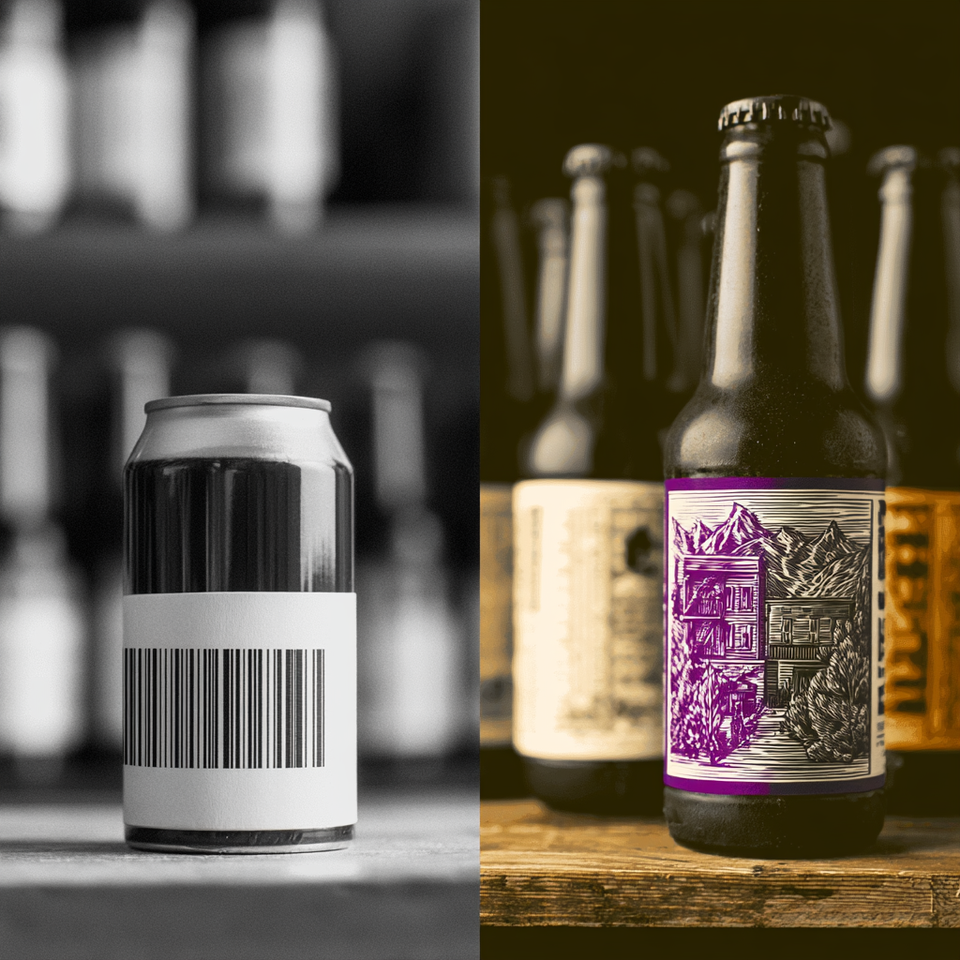
The color vs black and white label printer decision isn't really about printers at all. It's about what your labels need to do. A shipping label needs to be readable and cheap. A craft beer label needs to stop someone mid-browse and make them pick up the can. Those are completely different jobs, and treating them the same way is where most businesses go wrong.
This guide breaks down the real differences: cost per label, print technology, speed, durability, and the specific scenarios where one option clearly wins over the other. Whether you're running a product-based Etsy shop, managing logistics for a warehouse, or scaling a food and beverage brand, the decision framework here will tell you exactly what to buy and why.

Prefer to talk it through? Call (03) 9318 7177. Gulmen Digital's team is in Ravenhall, VIC.
Understanding the Basics: How Each Technology Works
Before comparing outputs, it's worth understanding what's happening inside the machine. The differences matter more than most buyers realise.
How Black and White Label Printers Work
Most monochrome label printers use one of two technologies: direct thermal or laser.
Direct thermal printers apply heat directly to heat-sensitive label stock, darkening the surface to create text and barcodes. There's no ink, no toner, no ribbon. That's why they're so cheap to run and so popular for shipping labels, warehouse tags, and retail barcodes. The tradeoff is durability: direct thermal labels fade with heat, UV exposure, and moisture. Leave a direct thermal label on a product sitting in a sunny window for a few weeks and you'll see the problem.
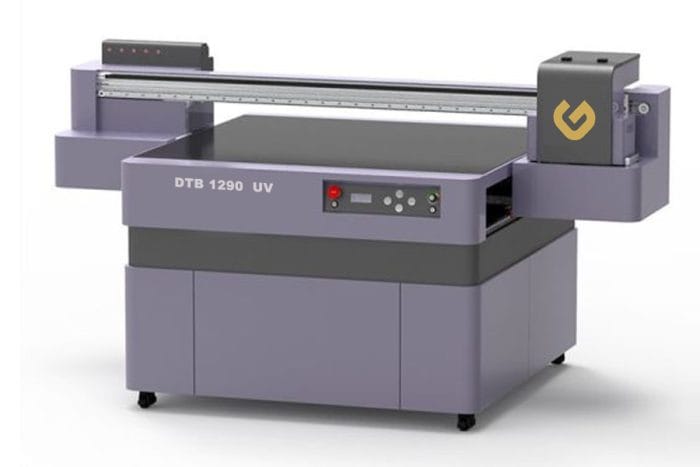
Thermal transfer printers work similarly but use a ribbon coated in wax or resin. Heat transfers the ribbon's coating onto the label surface. The result is significantly more durable, resistant to heat, chemicals, and moisture, making thermal transfer the go-to for industrial labels, asset tracking, and anything that needs to last.
Monochrome laser printers round out the category. They use dry toner fused onto label stock with heat. They're fast, reliable, and produce sharp, high-contrast output that's excellent for text and barcodes.
How Colour Label Printers Work
Colour label printers are almost exclusively inkjet or laser based, with inkjet dominating the small-to-medium business market.
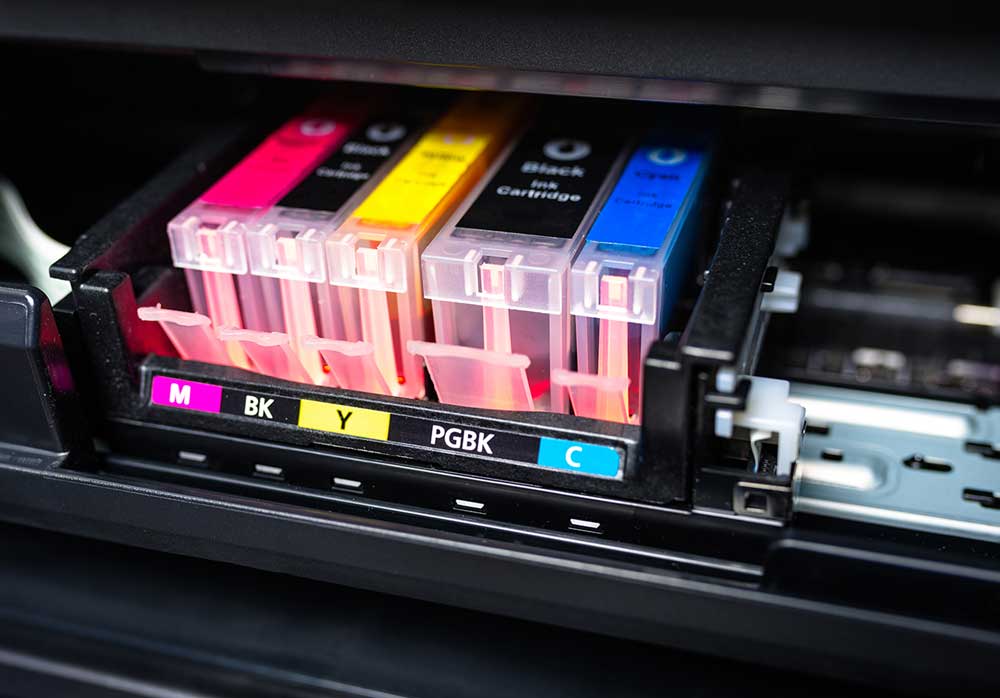
Colour inkjet label printers (like the Epson ColorWorks range) use CMYK (cyan, magenta, yellow, black) ink cartridges to produce photographic-quality output. They can reproduce brand colours, product photography, gradients, and fine detail at resolutions up to 1,200 dpi or higher. The tradeoff is ink cost and, on some models, drying issues if the printer sits unused for extended periods.
Colour laser label printers apply colour toner instead of ink. They're generally faster than inkjet for high-volume runs, the labels are more resistant to water and smearing, and the toner doesn't dry out. Colour accuracy is slightly lower than inkjet, but for most commercial label applications the difference isn't meaningful.
The Technology That Decides Your Cost
The single biggest factor in running costs is how many consumables a device uses. A monochrome laser or direct thermal printer uses one consumable (toner or label roll). A colour inkjet or laser printer uses four: cyan, magenta, yellow, and black, each needing individual replacement. That cost difference compounds fast at volume.
Cost Comparison: The Numbers Behind the Decision
Cost is where the most misconceptions live, so it's worth being specific rather than vague.
Upfront Hardware Costs
The hardware price gap has narrowed considerably. A few years ago, color laser printers cost significantly more than their mono counterparts. Today, black and white printers are "generally more affordable than colour models, but not by much." The real financial divergence comes later.
Ongoing Consumable Costs
This is where colour printing becomes expensive. For office printing, black and white laser printing runs around 2 to 5 cents per page. Colour inkjet printing can reach 13 to 25 cents per page under real-world conditions. That's not a small difference; at volume, it's the difference between a profitable operation and one that quietly hemorrhages money.
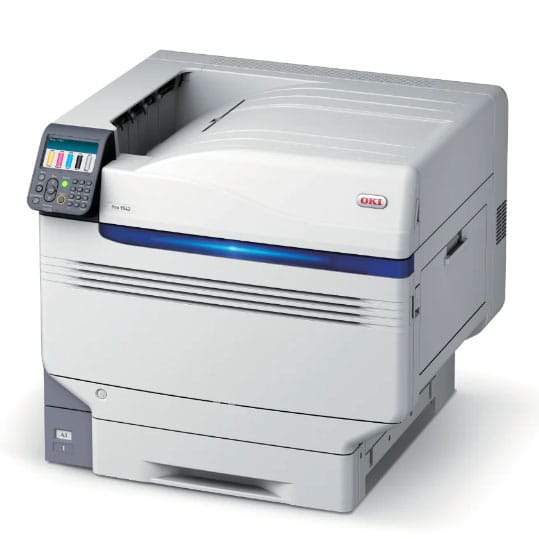
The four-cartridge problem makes this worse. A monochrome laser uses one toner cartridge. A colour laser uses four. If you print mostly black and white on a colour device, you're still maintaining and replacing four cartridges instead of one, and colour toner costs more per unit than mono toner.
Cost Per Label: A Practical Breakdown
Total Cost of Ownership
The honest calculation includes hardware, consumables, media (label stock), maintenance, and any downtime costs from maintenance issues. A colour inkjet printer sitting unused for two weeks can develop clogged print heads, requiring cleaning cycles that waste ink. A mono laser or direct thermal printer doesn't have this problem.
For businesses printing fewer than a few hundred labels per week in colour, the total cost of ownership for a colour device often exceeds what outsourcing those labels to a print shop would cost. That's worth calculating before committing to hardware.
When Colour Label Printing Is the Right Call
Colour isn't a luxury for every business. For some, it's the whole point.
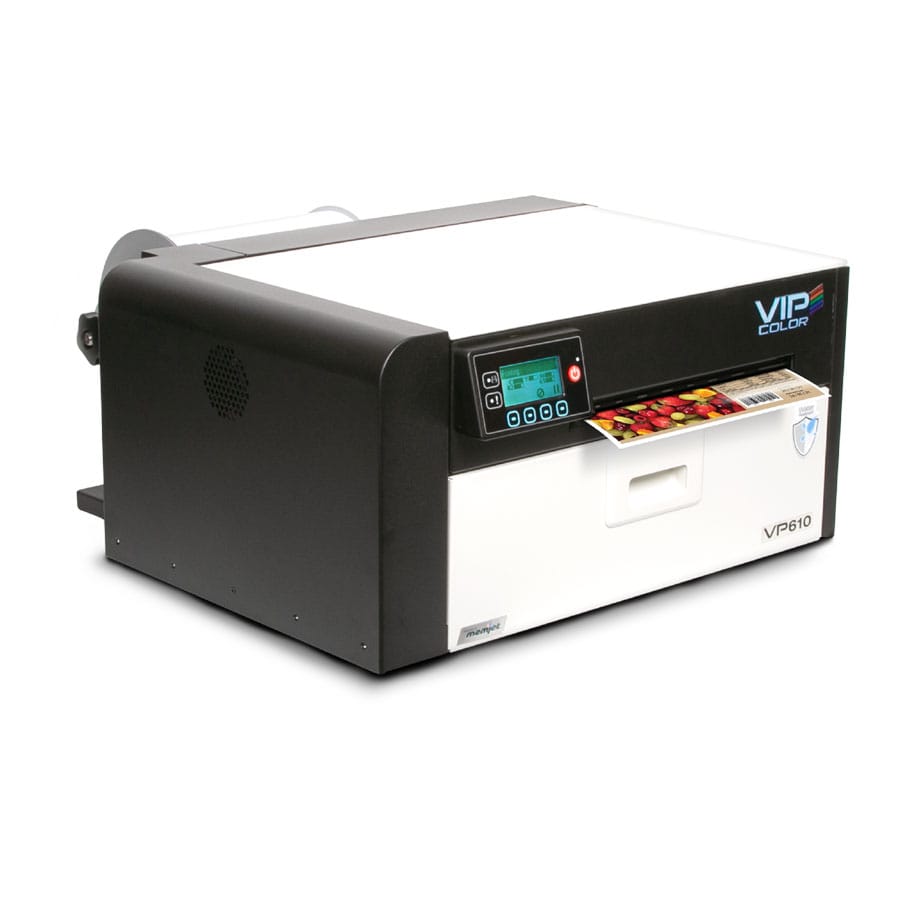
Product Branding and Retail Packaging
Research cited in business printing guidance consistently shows that colour has measurable impact on purchasing behaviour. Colour increases brand recognition by 80%, boosts attention and recall by 82%, and increases readership of direct mail by 55%. These aren't abstract marketing statistics; they're the reason products with strong visual labels consistently outperform otherwise comparable products with minimal labelling.
The Nita Beer Company used Epson ColorWorks colour label printing to feature local artists on their beer can labels. The label wasn't just informational; it was part of the brand story. That's a use case where black and white would have been actively counterproductive.
Food, Beverage, and Cosmetic Labelling
In categories where consumers make split-second shelf decisions, colour label printing pays for itself. Rossmoor Pastries moved from black and white labels to on-demand colour labels with product images after recognising the impact on perceived product quality. Laird Superfood adopted colour label printing specifically because their product portfolio was expanding and they needed to make real-time labelling changes while maintaining visual consistency.
These aren't edge cases. Any food or cosmetic business selling through retail channels is, in effect, competing visually on the shelf. A monochrome label in that context is a competitive disadvantage.
Small Business and On-Demand Flexibility
One underappreciated advantage of in-house colour label printing is the ability to change quickly. Vape Dudes reported that a job that previously took 25 minutes on their old printer took one-fifth of that time with an Epson C3500. Dish-n-Dash used a colour label printer to manage more than 40 different label designs across orders, ingredients, inventory, and retail products.
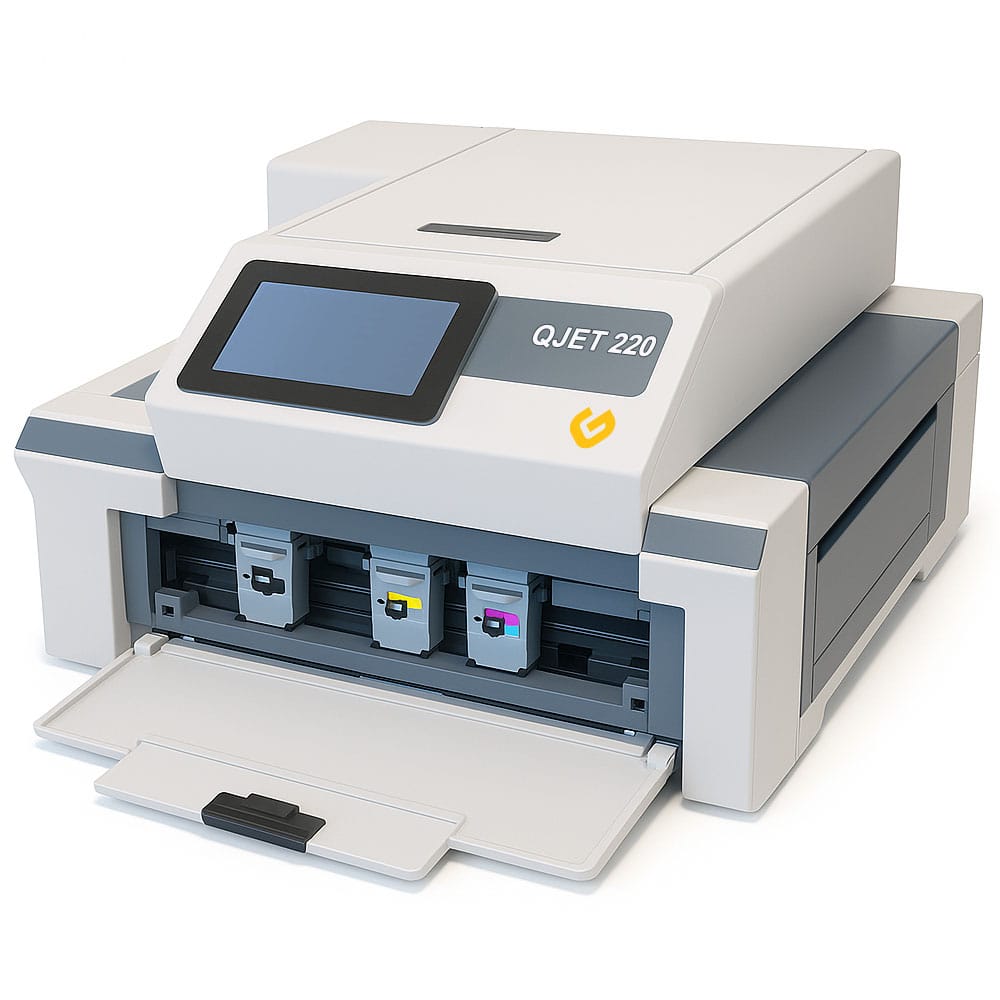
For businesses managing multiple SKUs, QJET 220 seasonal variations, or frequent packaging updates, the flexibility of on-demand colour printing justifies the higher per-label cost compared to ordering pre-printed labels in bulk.
When Black and White Is the Smarter Choice
The business case for mono label printing is just as strong, it just applies to different situations.
High-Volume Shipping and Logistics
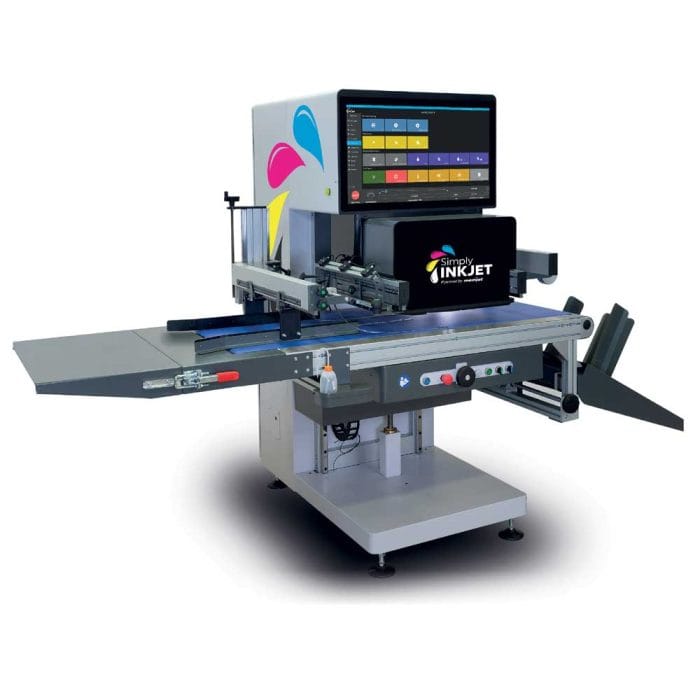
If your primary label need is shipping labels and barcodes, a colour printer is almost always the wrong tool. Direct thermal printers print faster, cost less per label, require no ink or toner, and produce exactly what shipping and logistics workflows need: a scannable, readable label. Simply Inkjet FLEX
For hospitals, warehouses, and fulfilment operations, thermal printers are explicitly recommended for barcode and label applications because they're lower maintenance, faster, and better suited to high-volume continuous operation.
Barcodes and QR Codes
Barcode readability depends on contrast and precision, not colour. A direct thermal or mono laser printer produces sharper black lines on white backgrounds than most colour inkjet printers, which layer inks and can produce slight bleeding at the edges of high-contrast elements. For applications where scan reliability matters, mono printing is technically superior.
Budget-Constrained Operations
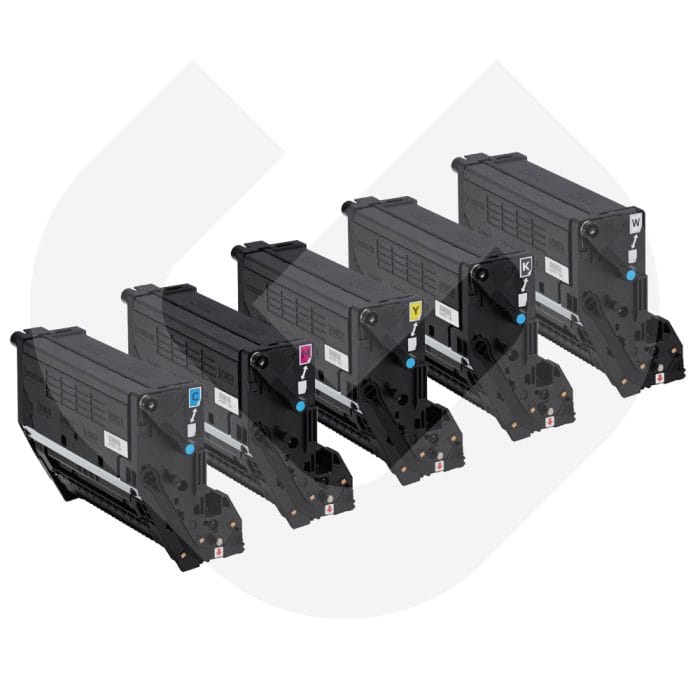
If colour labels would be a marginal improvement rather than a meaningful differentiator for your specific products, the cost arithmetic strongly favours mono. The rule of thumb: black is best for internal print needs, colour for external. If your labels are internal, skip colour entirely. Bulk cartridge always helps like, OKI PRO 1050 Toner Cartridge Bundle Pack CMYK + White.
The Disadvantages of Colour Label Printers (Honestly)
Colour label printers earn their higher price in the right application, but they come with real tradeoffs that are often undersold by manufacturers.
Higher Running Costs Are Non-Negotiable
There's no way to make colour printing as cheap as monochrome printing. Four cartridges will always cost more than one. Colour label stock often costs more than plain label stock. If you're printing colour labels you don't actually need, you're paying a premium that doesn't translate into any business value.
Speed Drops at Scale
A comparable colour laser printer prints around 19 pages per minute versus 30 ppm for a mono laser. That's a 37% reduction in throughput. For businesses running time-sensitive fulfilment operations, that gap matters. Businesses that route all label printing through a colour device "for convenience" often end up with bottlenecks they didn't anticipate.
Colour Accuracy Requires Management
One of the most common frustrations with colour label printing is the gap between what you see on screen and what comes out of the printer. Certain colours, particularly purples, light yellows, and pale blues, are notoriously difficult to reproduce accurately. If your brand uses specific Pantone colours, inkjet CMYK reproduction may not meet your standards without careful calibration and colour profile management.
DuraFlex Printing Technology notes that while colour inkjet excels at high-resolution images, print quality can deteriorate when exposed to water or sunlight for extended periods. For outdoor labels or labels on products stored in damp conditions, the durability question needs to be part of the printer selection process.
Maintenance Complexity
More components mean more maintenance. Colour inkjet printers can clog if left unused. Colour laser printers have four separate toner cartridges and often separate drum units. For operations without dedicated IT or equipment support, that complexity translates into more downtime and more troubleshooting.
Is a Colour Label Printer Worth It for a Small Business?
It depends entirely on what your labels need to accomplish.
Evaluating Your Actual Labelling Needs
Start with the simplest possible question: would a customer or end user see this label, and would colour change their perception of your product? If yes, colour is likely worth the investment. If the label goes on the inside of a box, gets scanned by a warehouse worker, or lives in a filing cabinet, mono is almost certainly sufficient.
In-House Printing vs Outsourcing
For small businesses printing fewer than a few hundred branded labels per week, outsourcing to a print shop is often more economical than owning a colour label printer. You get professional print quality, no capital expenditure, and no maintenance burden. The tradeoff is turnaround time and inflexibility on last-minute design changes.
A practical framework:
- Print in-house in colour if you need frequent design changes, short runs, or same-day label production.
- Outsource colour labels if your designs are stable, your volumes are low, and professional finish matters more than flexibility.
- Use mono in-house for everything operational: shipping, barcodes, internal tracking.
Choosing a Label Printing Strategy That Actually Fits Your Business
If you've worked through this guide, the decision likely isn't as complicated as it seemed at the start.
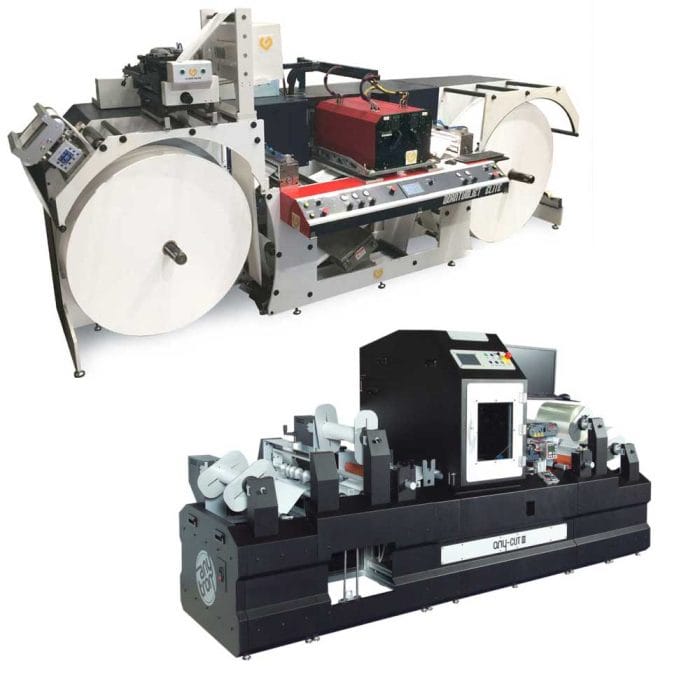
For most small to medium businesses, the practical answer is one of three configurations: a dedicated mono thermal or laser printer like Quantumjet Elite Laser Bundle for operational labels plus outsourced colour for branded labels; a single colour label printer set to default to black and white with colour enabled only for specific jobs; or, for growing operations, two printers with jobs routed by type.
What makes the difference isn't the hardware; it's knowing clearly what each label needs to accomplish before you buy anything.
If you're working through label design, brand presentation, or how your packaging communicates your product's value, the team at Gulmen Digital can help you think through not just the printing decision but the broader question of how your labels should work within your brand system. From label design to packaging strategy and consumer-facing communication, having that layer of strategic clarity before committing to a printing setup saves both time and money.

Prefer to talk it through? Call (03) 9318 7177. Gulmen Digital's team is in Ravenhall, VIC.
Conclusion: A Quick Decision Framework
The colour vs black and white label printer decision comes down to two questions: what do your labels need to do, and what does it cost per label to do that job?
If your labels identify, track, or ship, go mono. If your labels sell, differentiate, or brand, go colour. If you need both, either set up a colour printer with strict black and white defaults for routine work, or run two devices and route jobs deliberately.
The businesses that get this right spend less per label on operational work, invest appropriately in branded presentation, and avoid paying for colour capability they never actually use. The ones that get it wrong usually realise it on their consumables invoice.
Frequently Asked Questions
Is it better to print labels in black and white or colour?
It depends on the label's purpose. For shipping, barcodes, and internal tracking, black and white (especially direct thermal) is faster, cheaper, and more reliable. For product labels, retail packaging, and anything customer-facing where brand presentation matters, colour produces measurably better results.
It depends on the label's purpose. For shipping, barcodes, and internal tracking, black and white (especially direct thermal) is faster, cheaper, and more reliable. For product labels, retail packaging, and anything customer-facing where brand presentation matters, colour produces measurably better results.
How much more does colour label printing cost compared to black and white?
The difference is substantial. Black and white laser printing runs around 2 to 5 cents per page; colour inkjet can reach 13 to 25 cents per page. At scale, that's a cost per label difference that compounds quickly. Colour label printers also carry higher upfront hardware costs and require four consumables instead of one.
Can a colour label printer also print in black and white?
Yes. Most colour label printers can print in monochrome mode. However, even when printing in black and white on a colour device, you're still maintaining four ink or toner cartridges instead of one, which means higher ongoing costs compared to a dedicated mono printer. If 90% or more of your labels are black and white, a dedicated mono device is more cost-effective.
What is the best label printer for shipping and logistics?
For pure shipping and logistics applications, direct thermal printers are the standard recommendation. They require no ink or toner, produce sharp barcodes, print quickly, and have very low running costs. The Rollo, Dymo, and Zebra ranges are commonly cited for e-commerce and fulfilment use.
Are colour labels more durable than black and white labels?
Durability is determined by printer technology and media, not by whether labels are colour or mono. Thermal transfer labels (mono) printed on synthetic stock are extremely durable. Colour inkjet labels can fade with UV exposure and water unless printed on appropriate media with protective laminates. Colour laser labels generally offer better durability than inkjet but still fall short of high-quality thermal transfer for demanding environments.
What's the biggest mistake businesses make when choosing a label printer?
Buying the wrong type for their primary use case. Businesses that buy colour printers for shipping labels pay a large ongoing premium for a feature they never use. Businesses that buy mono printers for product labels then discover they can't reproduce their logo properly. The fix is to define your primary use case before looking at hardware, not after.
Can thermal printers produce any colour output?
Standard direct thermal printers are monochrome only. Some thermal transfer printers can use coloured ribbons (red, blue, white on coloured stock) for limited two-tone effects. Specialist dual-colour thermal media (black and red, for example) exists for specific applications. Full CMYK colour from a thermal printer isn't available in standard desktop devices.




Comments ()