
Label rewinders: why roll handling limits your output
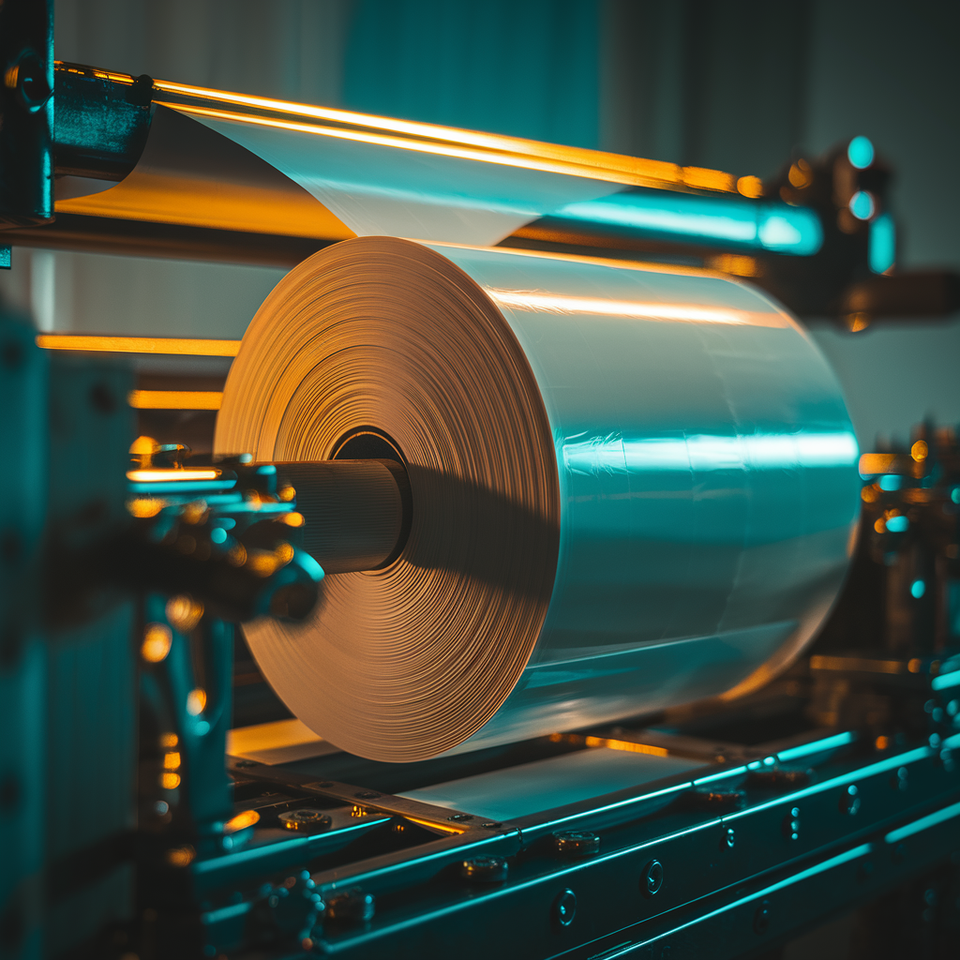
A label rewinder takes the printed web from your label printer and winds it into a finished roll under controlled tension. Without matched speed and tension, the printer runs at the rewinder's pace — not its own rated speed.
That sentence gets almost no discussion in most label production environments. Operators focus on ink, substrates, and print quality. The rewinder sits at the exit of the press, quietly, and either keeps up or doesn't. When it doesn't, the consequences show up as throttled throughput, telescoped rolls, and jobs that have to be rewound before they reach an applicator. Getting roll handling right starts with understanding what the rewinder controls.
 Gulmen Digital
What a rewinder does and why it matters
The label rewinding machine collects the printed web as it exits the printer, maintains tension across that web, and builds a roll on a core to a specified diameter and winding direction. That sounds mechanical and limited. In practice, it determines whether your printer reaches its rated output speed during a real production run.
Most printers quote a maximum linear speed — metres per minute or inches per second. Achieving that speed depends on the downstream handling path keeping up without resistance or slack. If the roll rewinder cannot match print speed, one of two things happens: the printer slows to reduce tension on the web, or the web breaks because the rewinder is dragging too hard. Either outcome cuts real throughput below the rated figure.
The roll also matters after it leaves the machine. Applicators and customers expect rolls in a specific format — correct core size, correct outer diameter, correct winding direction. A roll that arrives out of specification cannot run without rework. The rewinder is the device that either enforces that specification or fails to.
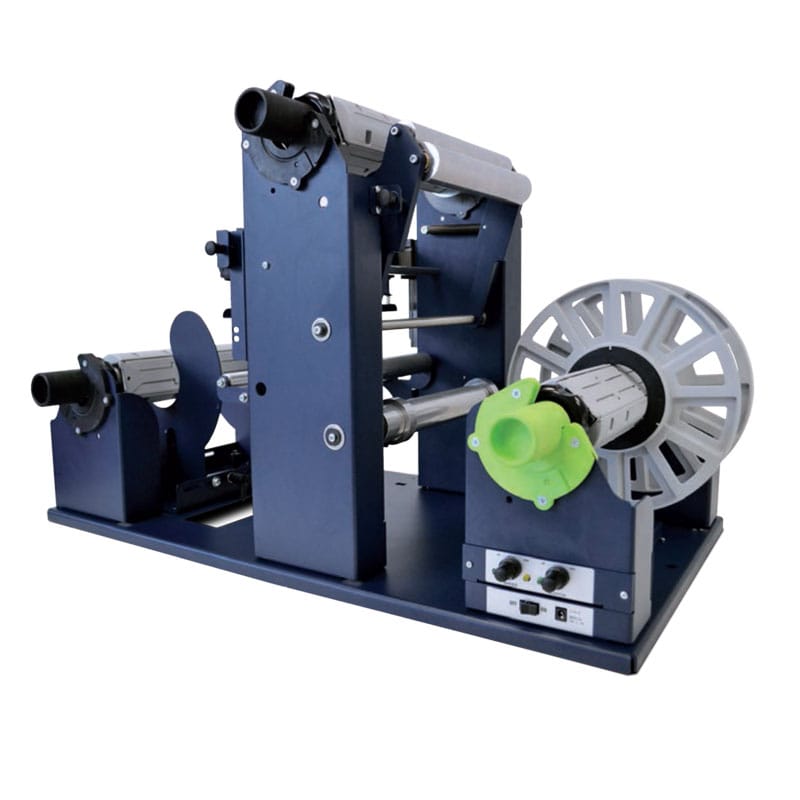
Rewind direction
Rewind direction describes which way labels are wound relative to the core: face-in means the printed surface faces toward the core; face-out means it faces outward on the finished roll. Both are correct for different downstream uses. The problem is that applicators and label dispensers are built around one specific orientation, and they cannot accommodate the other without rethreading or mechanical adjustment that most production lines don't allow mid-run.
The industry formalises this as eight standard wind positions, each combining face orientation (in or out) with leading edge direction (top, bottom, left, right). An automatic applicator on a bottling or packaging line expects a specific position. If the roll arrives in position 4 when the machine requires position 1, the entire job needs to be rewound before it can be used.
The cost of a direction error is real. Rewinding a finished order consumes the same machine time as the original run, adds a second set of cores, and risks label damage — particularly with pressure-sensitive films that don't tolerate repeated tension cycling. On jobs with tight delivery windows, a rewind direction error can push a shipment past its deadline.
The fix is straightforward: confirm the required wind position before running, set the rewinder's direction switch accordingly, and verify with a short test roll. Most current label rewinding machines offer face-in and face-out as selectable modes from the control panel, and some support bidirectional operation so the direction can be changed between jobs without swapping hardware.
Tension control
Tension is the force the rewinder applies to the web as it winds. Too much and the web distorts; too little and the roll becomes unstable. Both failures are visible — but they produce different symptoms, and operators who haven't seen them before often misdiagnose the cause.
Too tight. When tension is set above what the web and adhesive can absorb, labels stretch slightly in the machine direction. This shifts print registration and, on die-cut labels, can alter the dimensions of the cut shape. Adhesive migrates under pressure toward the edges of the roll, producing a sticky bead along the perimeter that transfers to peel plates and rollers on applicators. A 2023 liner-wound tension audit found that 8.3% of finished rolls failed final QA due to liner-related defects traced directly to inconsistent winding tension — a meaningful yield loss on high-volume runs. Paper liners under excessive tension can also develop micro-cracks that affect web tracking and barcode-scanner reliability downstream.
Too loose. When tension is insufficient, layers slip sideways relative to the core axis — the roll telescopes, producing a stepped or conical profile instead of flat, parallel edges. Telescoped rolls cannot sit squarely on applicator mandrels, causing eccentricity and vibration at speed. Slack spots in the web lead to web breaks when the applicator pulls labels off quickly and tension spikes suddenly through the loose section.
Modern roll rewinders address this through dancer arms — spring-loaded or electronically monitored rollers that ride the web and feed back to the motor. When the arm drops (slack web), the rewinder speeds up; when it rises (tight web), the rewinder slows. This feedback loop holds tension within a defined band regardless of how the roll diameter grows during the run. For repeat jobs, recording the tension settings that produce stable, non-telescoping rolls eliminates guesswork on the next run.
Gulmen DigitalCore sizes and roll diameters
Two physical constraints connect the rewinder to every machine it feeds: core inner diameter and maximum roll outer diameter.
Core size is the inner diameter of the cardboard tube at the roll's centre. Common sizes are 25 mm (1 inch), 40–50 mm, and 76 mm (3 inches). Three-inch cores are the widely accepted standard for commercial applicators and slitter-rewinders; most mandrels on automatic labelling equipment are built around this size. Desktop thermal printers typically use 1-inch cores. Specifying the wrong core size for a downstream applicator means the customer needs an adapter — or cannot run the rolls at all.
Maximum roll outer diameter sets how many labels fit on a roll before the rewinder's frame capacity is reached. Desktop-scale rewinders commonly cap out around 200–250 mm; industrial systems often handle 300 mm and above. Diameter matters for productivity: a larger roll means more labels per changeover, longer unattended runs, and fewer interruptions during continuous production. It also demands more motor torque and tighter tension control as roll mass increases through the run — a rewinder that handles tension well at 100 mm diameter may struggle at 280 mm if its feedback system is basic.
When specifying a rewinder, confirm the core inner diameter and maximum outer diameter your applicators accept, then choose a rewinder that meets both with some overhead rather than running at its stated limit.
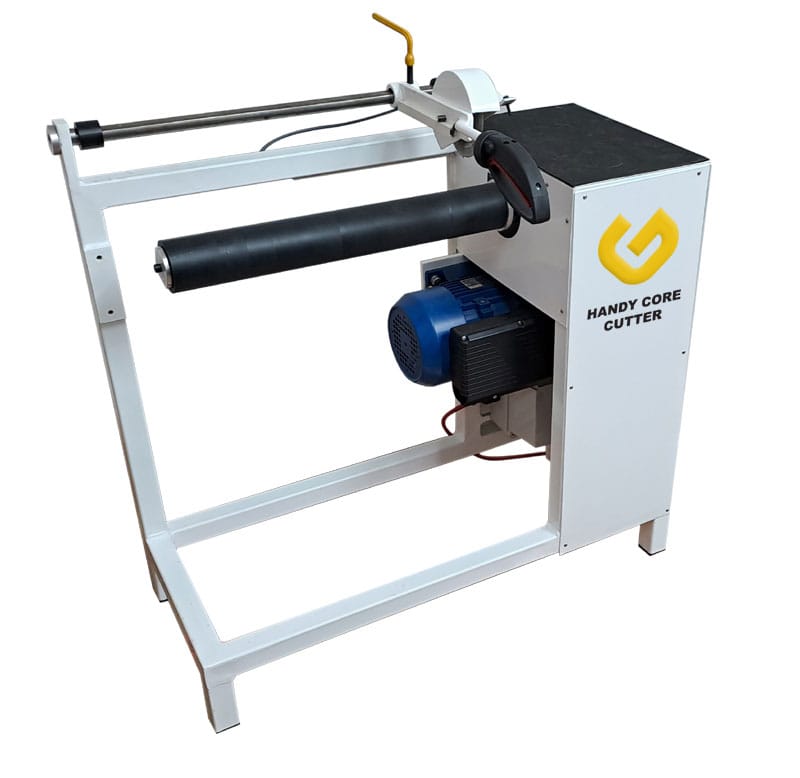
Matching rewind speed to print speed
A rewinder rated at a given speed must match or exceed the printer's typical operating speed, not just its maximum datasheet figure. At full print speed, tension on the web fluctuates during acceleration, deceleration, and as roll diameter grows. A rewinder that handles nominal speed but lags during ramp-up will spike tension at the start of each print burst — enough to cause registration drift or web breaks on thin stocks.
The practical test is to run the rewinder at target print speed with a representative job, your thinnest liner, your narrowest web; and watch three things: dancer arm position, roll edge profile, and whether the printer throttles at any point. If the arm stays near the middle of its travel, the roll edges are parallel, and the printer never slows, the match is correct. If any of those three signals misbehave, adjust tension or speed settings before committing to a production run.

Manual, semi-automatic and automatic
Manual rewinders require operator intervention for tension management and roll changes. They suit very low volumes and occasional use — when an operator is watching the printer continuously and the run is short enough that inconsistency is acceptable.
Semi-automatic rewinders add a motor and basic tension control, often via a simple clutch or dancer arm. The operator loads cores, threads the web, and monitors roll build-up, but the machine handles tension during steady-state running. This category covers most desktop label printing environments.
Automatic rewinders use electronic feedback, dancer arms, load cells, or printer integration; to manage tension without operator input across the full run. They suit continuous production, multiple shifts, and substrates that are sensitive to tension variation. The additional cost reflects the reduction in operator time and the improvement in roll consistency, both of which compound across high volumes.
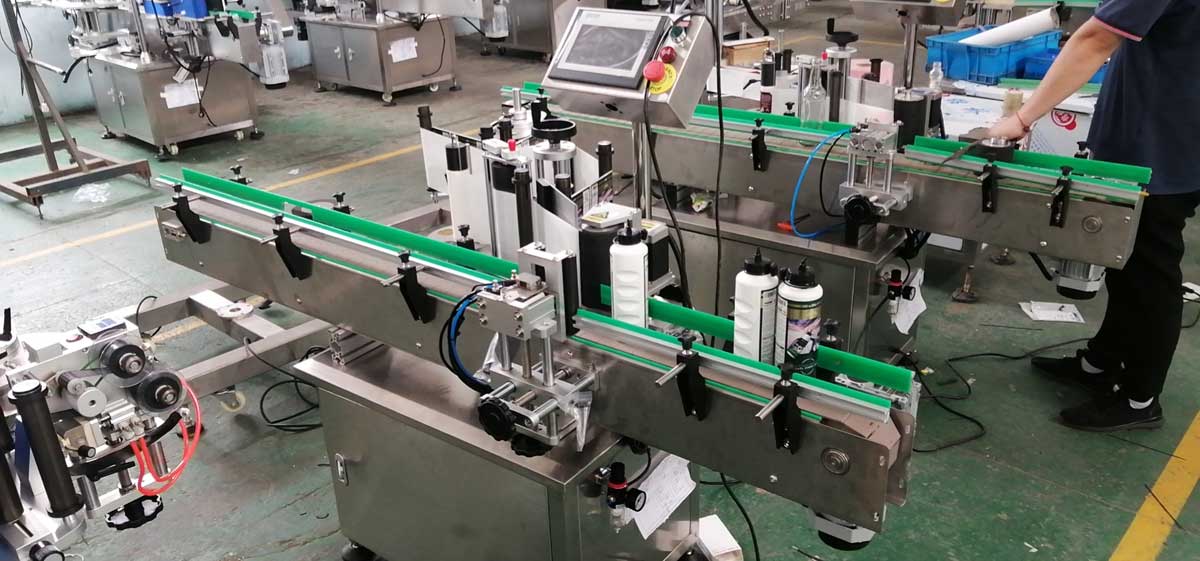
About Gulmen Digital
Gulmen Digital has operated in the Australian label and packaging market for over 20 years, supplying and supporting complete print-cut-finish production lines built around its Australian-developed Quantum platform. Roll handling is treated as a designed component of those lines — not an accessory attached after the fact. Core sizes, roll diameters, rewind direction, and tension settings are specified to match the applicators and downstream processes each customer runs, so the rewinder supports rather than limits the printer's rated output.
Post-installation support is central to Gulmen's proposition. After equipment is commissioned, the team works on-site with operators to validate that rewinder speed and tension settings allow the printer to perform at its rated speed in real jobs. They train staff to recognise and correct rewind direction errors, tension-related roll defects, and core specification mismatches before those issues reach the applicator or the customer.
Producers considering a label rewinder or a complete finishing line can start by reviewing their current printer specifications, applicator requirements, and job profiles, core size, maximum roll diameter, rewind direction, and substrate; then contact Gulmen Digital to map those requirements to a matched roll-handling configuration that removes the rewinder as a bottleneck.
Gulmen Digital — 1/42 Orbis Drive, Ravenhall VIC 3023 · (03) 9318 7177 · sales@gulmen.com.au · gulmendigital.com.au
Gulmen DigitalFAQ
What is a label rewinder used for? A label rewinder collects printed label web from a printer or press and winds it into a finished roll under controlled tension, with the correct core size, outer diameter, and winding direction for downstream applicators or customers.
What does rewind direction mean? Rewind direction describes whether labels are wound face-in (printed side toward the core) or face-out (printed side outward), and which edge of the label leads off the roll. Applicators are built for a specific position; supplying the wrong direction means rewinding the job before it can run.
What core size do label rolls use? Common core inner diameters are 25 mm (1 inch), 40–50 mm, and 76 mm (3 inches). Three-inch cores are the most widely accepted standard for commercial applicators and finishing equipment. The correct size is whatever the downstream printer or applicator mandrel requires.
How does tension affect label quality? Too much tension distorts labels, causes adhesive to migrate to roll edges, and can crack liner material. Too little tension causes rolls to telescope and web breaks during application. Stable tension through the full roll diameter is what separates a usable roll from one that requires rework.
Do you need a separate rewinder or is one built in? Some desktop printers include a basic internal take-up, but most production environments use a separate label rewinding machine to meet roll diameter, tension control, and rewind direction requirements that internal systems cannot match. For any operation supplying rolls to applicators, a dedicated, correctly specified rewinder is the standard approach.


Comments ()